A Workshop submission, a subscription and an approved game item are different things
Community-content news can describe a proposal, a downloadable modification or an item selected for a game. Those are different states. Read the Workshop model and the item’s actual status before sharing a creation as though it has become an official feature available to every player.
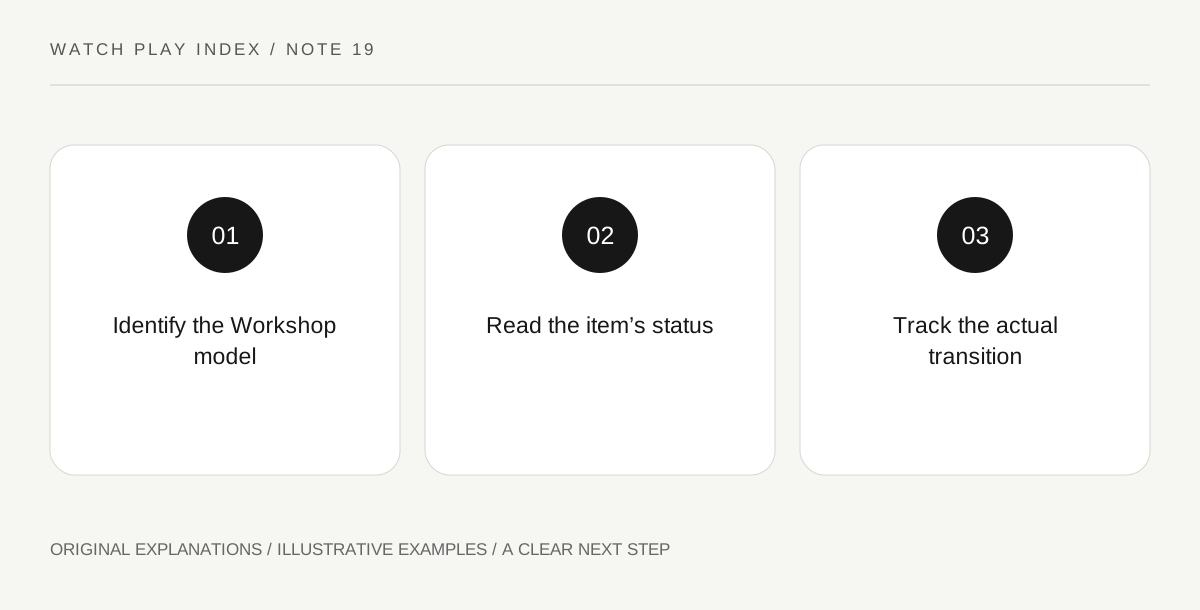
Original explanatory diagram. Read the full method and limitations below.
Identify the content model
Steam’s Workshop documentation distinguishes ready-to-use and curated models. In the first, the game’s integration can support subscribing to available items; in the curated model, submissions can enter a community-voting and developer-selection process. Find which arrangement the particular game uses. A screenshot of an impressive submission does not explain whether it can be used now, needs other content or is only a candidate for possible later inclusion.
Preserve the creator and status
Keep the item creator, title and current status in your note. A community creation should not silently become a claim about work shipped by the base-game developer. If the developer later approves or incorporates an item, read the actual announcement describing that change. A high vote count can show community interest without establishing acceptance or a delivery date. Do not convert enthusiasm into a promise that the game’s next update will contain the submission.
Keep availability separate from compatibility
An item being available does not by itself establish that it works with the current build, your other modifications or an existing saved game. Read the creator’s current description and the game’s supported instructions before considering use. This guide is about interpreting news, not installing or endorsing a particular modification. An update can be interesting to follow without becoming an immediate change to a working setup that serves a different purpose.
Describe what changed in the announcement
When a new post appears, ask whether it reports a new submission, an updated community item, an approval or a base-game release. Write that exact transition instead of the vague phrase new content is here. The distinction helps friends know whether there is anything for them to do. It also respects the creator’s role and prevents a development story from becoming an incorrect feature list. Save the official handoff evidence when a proposal genuinely moves into a delivered state.
An illustrative reader exercise
In an illustrative city-building community, an artist submits a station design to a curated queue. A reader shares it as a community proposal and does not describe the votes as developer approval. Only a later actual announcement would change that status in the note. The fictional example demonstrates attribution and state changes; it does not claim any real item’s approval, availability or compatibility.
Questions that come up
Does a popular Workshop vote mean an item is already in the game?
No. In a curated model, voting and developer selection are different stages. Read the actual approval and release information before describing an item as delivered.
Does available community content guarantee compatibility with my setup?
No. Check the current creator information, game version and any dependencies or conflicts. Availability and suitability are different questions, and this article does not endorse an installation.
References and scope
These sources support the factual background. Examples and exercises are original illustrative teaching material. References do not imply endorsement.
- Steamworks — Workshop — Ready-to-use and curated community-content models.