Read a patch note against the build you actually use
A game-update headline is useful only when you understand which version it describes. Before changing a strategy or reporting that a feature has arrived, match the patch note to the actual build, platform and branch. This creates a small evidence trail instead of a collection of disconnected update headlines.
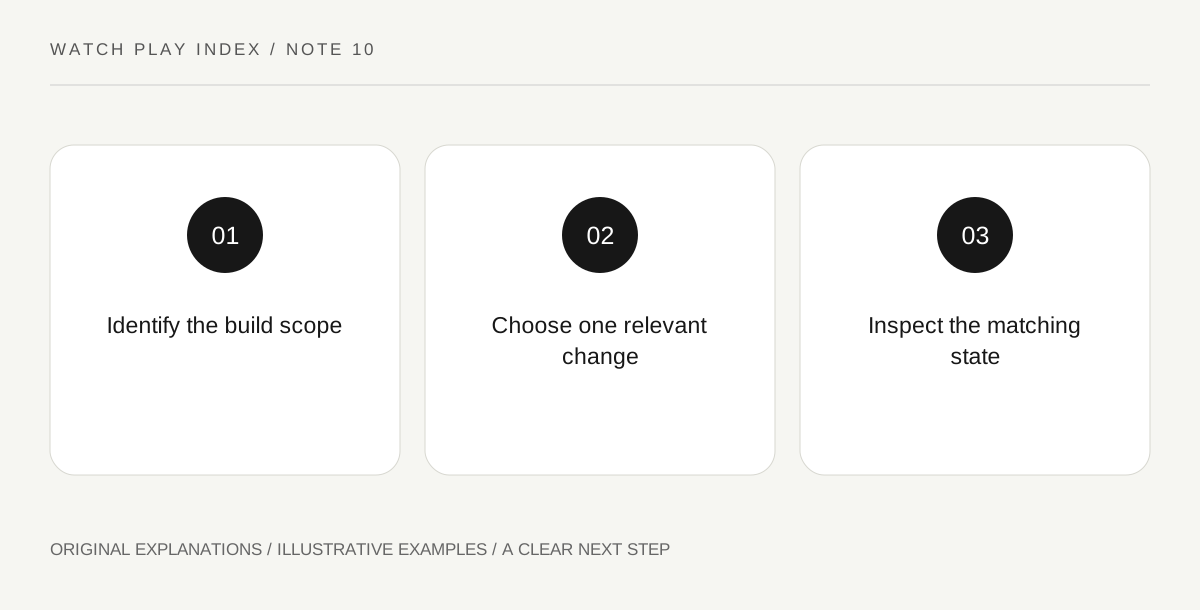
Original explanatory diagram. Read the full method and limitations below.
Find the note’s scope
Steam’s documentation distinguishes patch notes from larger update announcements and supports associating update news with a build. Read the actual title and text for a version, date, branch or platform statement. A news-feed position alone does not establish that the change applies to your installation. Write the scope next to the change you care about. If it is missing, preserve the question rather than supplying a version number from a different article or a fan comment.
Translate the change into one observation
Choose the particular change that matters to your next session. If a fictional note says a menu now displays a queue count, the observation is whether that count appears in the relevant menu on the stated build. It is not a claim that the whole game has become faster or easier. A narrow observation can be checked without turning an update into a complete retest. Keep promised future changes separate from the items the note says were actually delivered.
Separate a fix from a universal result
A note describing a repaired problem states the developer’s update information; it does not prove that every player’s superficially similar problem has the same cause. Compare the described conditions with your own before drawing a conclusion. If the observed behavior differs, record the build and steps plainly in the appropriate support channel when needed. Avoid announcing that the developer lied or that all systems are fixed on the basis of a single personal outcome.
Keep the old note useful without treating it as current
An earlier patch note can explain when a change was introduced. Later updates may alter it again, so use a chronological chain for the specific feature rather than assuming the first relevant search result remains the final answer. Save the latest applicable source and the original introduction where both matter. The goal is enough version context to make the next playing decision, not an archive of every minor update the game has ever published.
An illustrative reader exercise
In an illustrative puzzle game, a reader sees a note about a queue display on build 2.4’s test branch. Their normal installation is on a different branch, so they do not announce the feature as present there. They save the applicable scope and wait for a matching release note. This invented version example explains reading update evidence; it does not describe a real game or claim that anything was playtested.
Questions that come up
Does a patch headline prove my installation already changed?
No. Check its platform, build and branch, then the actual installed state. A published announcement and your particular installation can refer to different versions.
Does a listed fix guarantee every similar symptom is resolved?
No. Similar symptoms can have different conditions. Compare the note’s scope with the actual observation and keep any report specific rather than extending a single result to every player.
References and scope
These sources support the factual background. Examples and exercises are original illustrative teaching material. References do not imply endorsement.
- Steamworks — patch notes — Patch-note categories, display and association with a build.