Read a game trailer according to the kind of evidence it offers
A cinematic trailer, a gameplay clip and a developer diary can all be informative while answering different questions. Read the video’s category before using it as evidence about the playing experience. This makes it easier to appreciate the presentation without assuming every attractive image shows an action you can perform.
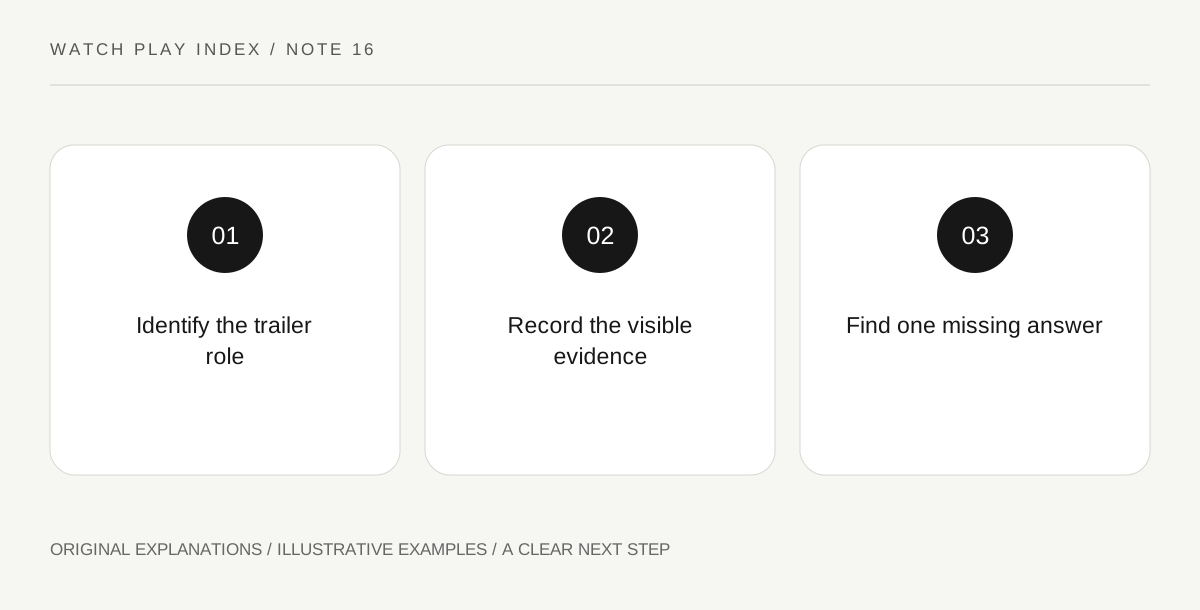
Original explanatory diagram. Read the full method and limitations below.
Identify the video’s role
Steam’s trailer documentation distinguishes categories including gameplay, cinematic, teaser and interview or developer diary. Look for the category and read the title. A teaser can announce a project and establish a mood without demonstrating a complete system. A developer diary can explain intentions without proving that every discussed feature is delivered. Keep those roles in your note rather than treating a store page’s first video as a universal summary of what the game currently does.
Translate visible action into a narrow statement
In gameplay footage, describe what is actually shown: a player selects a route, moves an object or responds to an enemy. Then mark what remains unknown, such as how often the action occurs or what happens outside the edited sequence. Do not infer an entire campaign structure from a few seconds. The footage can support a useful question about the core interaction while leaving pacing, difficulty and long-term variety for other evidence.
Keep mood separate from mechanics
A striking landscape or musical build can be a reason to become interested. Record that aesthetic response honestly without disguising it as a technical finding. A viewer may like the atmosphere while still needing to understand camera control or the shape of a typical session. Looking for another representative clip is a reasonable next step. You do not have to reject a cinematic video because it does not answer a question it was never designed to answer.
Use the next source to close one gap
After watching, choose one important unanswered question and find the most appropriate evidence: the official feature description, a current developer explanation or footage of the relevant interaction. Avoid collecting more promotional videos that repeat the same mood while leaving the same question unresolved. Keep the date and build context where supplied. A useful discovery note becomes more precise over time, instead of growing into a pile of impressions that all seem to confirm one another.
An illustrative reader exercise
Imagine an invented exploration game with a cinematic teaser showing a distant city. A viewer records that they like the setting but does not conclude that every rooftop is traversable. They then look for representative gameplay addressing movement. The fictional exercise distinguishes aesthetic interest from a demonstrated mechanic and makes no claim that any actual trailer or game has been tested.
Questions that come up
Is a cinematic trailer useless for discovery?
No. It can communicate tone, setting and artistic presentation. The mistake is using it to prove unrelated mechanics or current feature delivery that it does not actually demonstrate.
Does a gameplay clip prove the entire game has the same pace?
No. It is a selected sequence. Use it for narrow observations and seek other relevant information before generalizing about the whole campaign or a typical session.
References and scope
These sources support the factual background. Examples and exercises are original illustrative teaching material. References do not imply endorsement.
- Steamworks — trailers — Gameplay, teaser, cinematic and developer-diary categories.