A Steam hardware badge is the beginning of a compatibility note
A hardware-compatibility badge can summarize useful review information, but the details explain what the category means for you. Read the badge with its actual device and qualification notes. That keeps a quick discovery aid from becoming an unsupported promise about every setting, accessory or personal playing requirement.
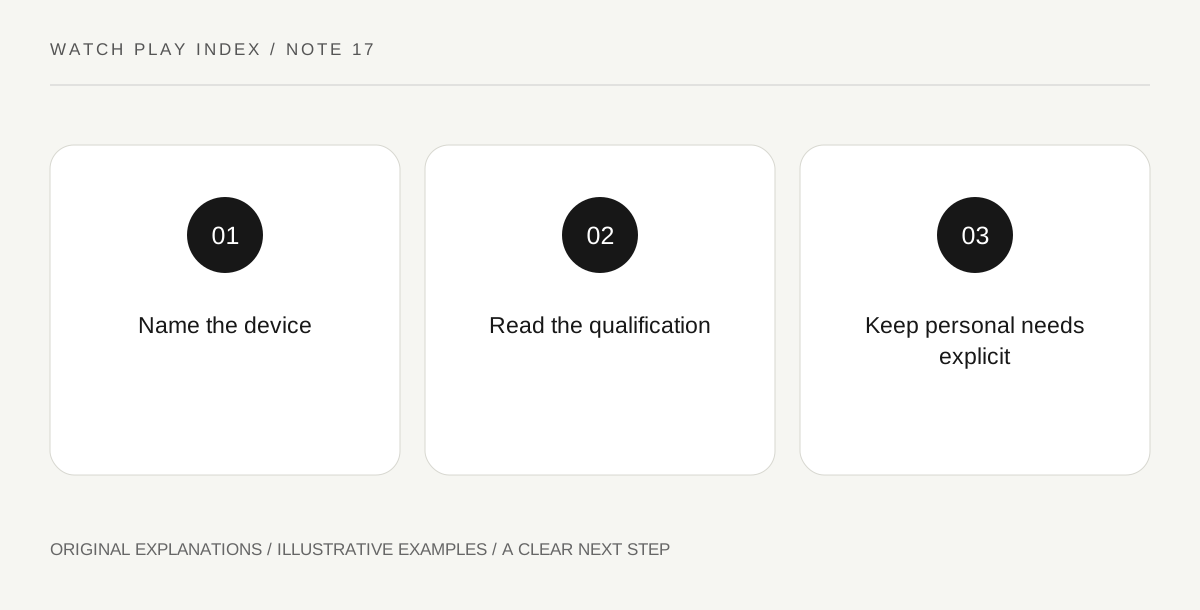
Original explanatory diagram. Read the full method and limitations below.
Keep the device in the statement
Valve’s compatibility documentation covers specific Steam hardware and assigns categories such as Verified, Playable, Unsupported and Unknown. Read the label for the device you actually intend to use. A general statement that a game is verified can lose the very context that makes the information useful. Hardware names, current review details and the game itself belong together. Do not transfer a result to another computer or future device simply because it uses the same account or storefront.
Read Playable as a qualified category
The documentation describes Playable as functioning with possible manual work, such as an on-screen-keyboard or launcher interaction. Inspect the actual qualification rather than assuming it is either a minor inconvenience for everyone or a complete failure. A particular step may be acceptable to one person and a meaningful obstacle to another. Record the specific requirement and compare it with your own intended use. The category becomes more useful when translated into an actual task.
Keep Unknown distinct from Unsupported
Unknown describes a review that has not supplied compatibility information, while Unsupported indicates an identified incompatibility under the stated review. They are not interchangeable conclusions. A user report may add context, but it should retain its own device, date and circumstances. Do not relabel an unreviewed game as confirmed broken or confirmed suitable based only on the absence of a badge result. Preserving an unknown is a valid and informative outcome.
Separate compatibility from personal preference
A compatibility result does not determine whether you enjoy the genre, accept the visual settings or find a particular interface comfortable for your own needs. Read the actual criteria and any relevant title details rather than treating the badge as a universal recommendation. If a feature is essential, investigate that feature specifically. Your final note should say what the official review establishes and what remains your own question, so that a later update can be evaluated without rebuilding the entire decision.
An illustrative reader exercise
In an illustrative discovery session, a game has a Playable label with a manual text-entry qualification. One visitor considers that manageable; another needs an uninterrupted controller flow and waits for more information. Neither changes the official category into a universal verdict. This fictional example explains reading qualifications, not a real title’s current compatibility or a claim about performance on any device.
Questions that come up
Does Unknown mean the game cannot run?
No. It means the compatibility review has not supplied a completed result for that context. Avoid replacing missing information with either a positive or negative claim.
Does Verified answer every personal access question?
No. It describes compliance with the platform’s review criteria. Personal control, readability and assistance needs can require additional specific information beyond the badge.
References and scope
These sources support the factual background. Examples and exercises are original illustrative teaching material. References do not imply endorsement.
- Steamworks — hardware compatibility review — Verified, Playable, Unsupported and Unknown categories and specific review criteria.