Steam review summaries: compare the recent window with the longer record
A game can have different recent and overall review summaries because the groups of reviews cover different periods. Read the time window before treating the two labels as a contradiction. Then inspect the reasons relevant to your interests, rather than letting either summary stand in for an explanation.
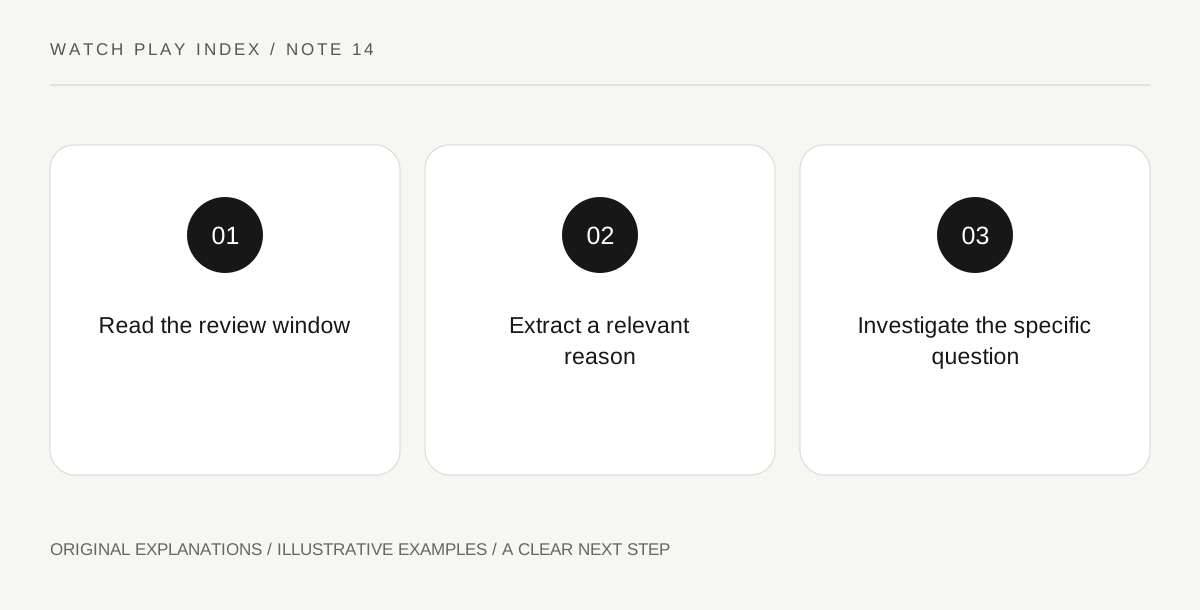
Original explanatory diagram. Read the full method and limitations below.
Keep the window with the label
Steam’s user-review documentation describes summaries for the last 30days and the product’s lifetime. Record which one you are reading and the date of your observation. The recent window changes as time passes; the longer record contains more of the game’s history. A screenshot of a label without its window loses essential context. Do not compare a current recent label with an old overall screenshot as though they described the same collection of experiences.
Look for the issue behind the recommendation
Choose a few reviews that discuss a concrete concern relevant to you, such as a recently changed interface or the length and structure of a campaign. Keep the reviewer’s observation separate from their final recommendation. A negative recommendation can be based on a preference you do not share, while a positive one can omit the feature that matters most to you. Reading reasons does not guarantee accuracy, but it gives you a question to investigate beyond the aggregate label.
Match the report to the game’s stage
The documentation explains labels for reviews written in Early Access or before release. Read those indicators and the review’s own timing alongside applicable update notes. A much earlier experience can remain informative without describing every current behavior. Conversely, a recent complaint is not automatically representative of all players. Preserve the actual platform, version or circumstances when supplied. Avoid turning a single vivid report into a universal technical diagnosis or a complete measure of the game’s quality.
Write a decision note rather than a verdict
A useful personal note might say that several recent comments raise a particular interface question and that you will inspect the official update before deciding. It need not declare the entire game good or bad. If the issue is a matter of taste, explain that preference plainly. This keeps discovery connected to your intended experience and makes the note reusable after another update, when you can revisit the specific question instead of defending an old sweeping judgment.
An illustrative reader exercise
In an invented example, a puzzle game’s recent summary differs from its longer record after an interface update. A reader examines comments about text size and then reads the relevant official change note, because that issue matters to their own use. They leave other preferences separate. The scenario contains no real score or claimed sample and does not establish any game’s current quality.
Questions that come up
Does a different recent label prove the overall summary is wrong?
No. The windows contain different review histories. Understand what each summary covers before comparing them or trying to explain why they differ.
Should one detailed review determine the decision?
It can identify a valuable question, but it is still one person’s report. Compare the circumstances with your needs and use relevant official information or other well-scoped evidence before generalizing it.
References and scope
These sources support the factual background. Examples and exercises are original illustrative teaching material. References do not imply endorsement.
- Steamworks — user reviews — Customer recommendation system and review context.