When a series opens on its newest season, choose your order consciously
The first season shown by an app is not always the first season produced. For series with independent seasons, a platform may emphasize the latest installment. Decide whether you want release order, a particular self-contained season or another officially supported order before allowing the interface to make that choice for you.
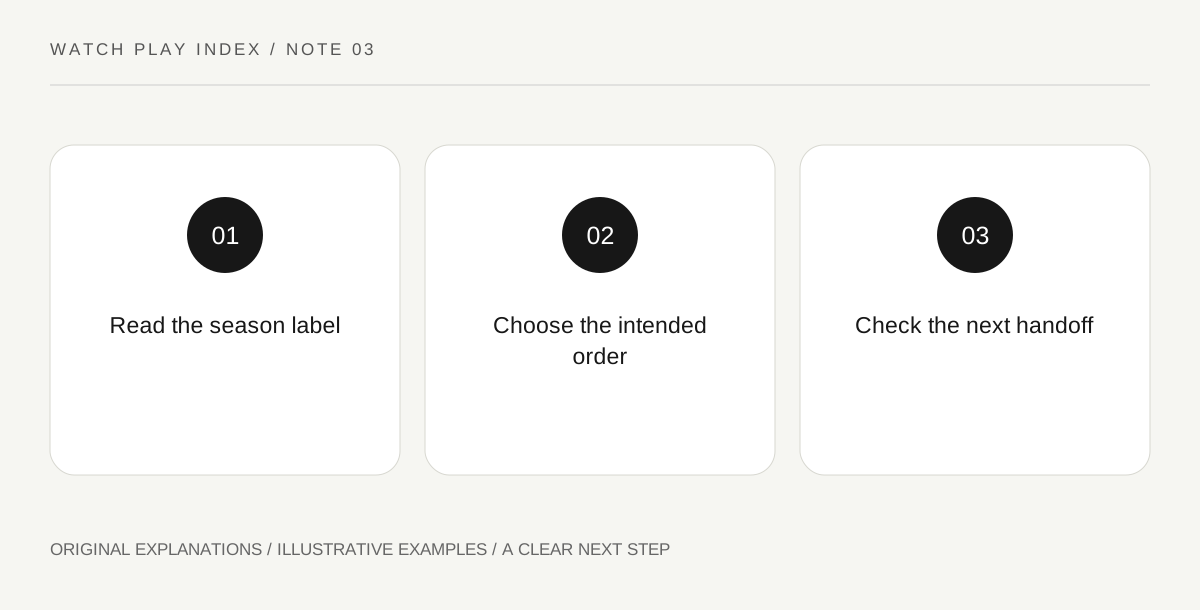
Original explanatory diagram. Read the full method and limitations below.
Read the selected season label
Netflix explains that some independent-season series use reverse ordering so that the newest season appears first. Look at the actual label before pressing play. A prominent episode-one button can mean the first episode of the selected season, not the beginning of the entire series. Write down the season name as well as its number where the title uses names. This is especially useful when people in a group begin from different devices or previously used profiles.
Choose the experience you want
Release order can show how an anthology’s style developed over time, while beginning with one independent season can suit a specific interest. Neither choice should be confused with a universal rule about every show. Read the official series description to understand whether earlier material is needed. If continuity is unclear, avoid treating a promotional emphasis on the latest season as proof that all earlier stories are irrelevant. Make the choice explicitly rather than discovering it several episodes later.
Keep the next-season handoff visible
After finishing the selected season, inspect the next offered episode or season before continuing. Netflix notes that manual season selection may be needed in reverse-ordered series. The practical habit is simply to read the label at a natural stopping point. A viewing notebook with the last completed season prevents a recommendation screen from silently becoming the next chapter. This is about choosing the sequence you intended, not about clearing or altering another person’s viewing history.
Discuss the season rather than the whole franchise
When recommending an independent installment, name it precisely and state the spoiler boundary. A friend who has seen a different season may otherwise assume a shared reference that does not exist. Compare broad features such as tone or format without summarizing endings. A useful recommendation can explain why that particular installment fits someone’s interest while leaving them free to choose its order. The goal is a clear invitation, not a claim that everyone must experience the franchise identically.
An illustrative reader exercise
In an illustrative anthology called City Windows, a platform highlights season three. One viewer wants to follow release order and deliberately selects season one; another chooses the independent third season because its setting interests them. They name the exact season in discussion and avoid assuming shared plots. This fictional example demonstrates reading the selected label, not the order or continuity of any real series.
Questions that come up
Does reverse ordering mean episodes inside every season are reversed?
No. Read the actual episode list. The platform’s explanation concerns particular title arrangements, and it should not be extended into a rule about every episode or series.
Must everyone in a discussion group use release order?
No. Agree on the specific installment and spoiler boundary. If the series has continuity requirements, use its official information to understand them rather than assuming the interface’s default settles the question.
References and scope
These sources support the factual background. Examples and exercises are original illustrative teaching material. References do not imply endorsement.
- Netflix Help — reversed season order — Independent seasons and manual selection of the intended season.